A hybrid approach for procedural planets
Part three - Ice worlds
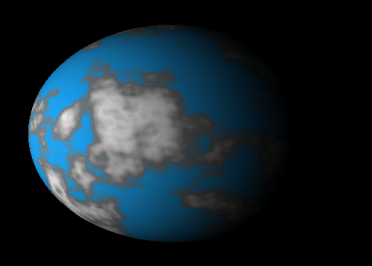
The universe is not populated entirely with Earth like planets, so we had better add some more planet types.
The first one I want to consider is the ice planet. We can generate an ice planet completly trivially from our existing code by just supplying a new palette texture. Using something like this will give a reasonable result.
The first one I want to consider is the ice planet. We can generate an ice planet completly trivially from our existing code by just supplying a new palette texture. Using something like this will give a reasonable result.

Create a new class IcePlanet and just copy the code from WaterPlanet. Change the palette texture and you should get something like this.
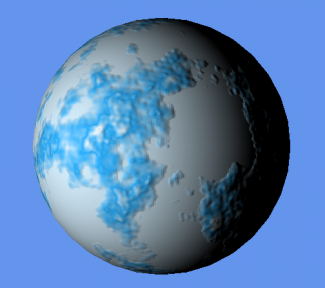
Not bad for two minutes work, but we can do better.
Take a copy of the water shader and save it as Ice.fx and add it to the project. Don't forget to change the shader in IcePlanet.cs as well.
In my mind, ice planets will be smoother than water planets. No running water to erode the land. So we need to smooth out the terrain a little.
In the pixel shader we have a power function. Simply change the 0.5 in that to a smaller value, I used 0.25, and the terrain will smooth out.
Take a copy of the water shader and save it as Ice.fx and add it to the project. Don't forget to change the shader in IcePlanet.cs as well.
In my mind, ice planets will be smoother than water planets. No running water to erode the land. So we need to smooth out the terrain a little.
In the pixel shader we have a power function. Simply change the 0.5 in that to a smaller value, I used 0.25, and the terrain will smooth out.
PS_OUT PS_ColorMap(VS_OUT input)
{
	PS_OUT output = (PS_OUT)0;

	float amp=2;
	float freq=1;
	float y=0;
	for (int i=0; i<4; i++)
	{
	   freq = (2*pow(2,i))-1;
	   amp=pow(0.25,i);
	   y+=snoise(input.WP*freq)*amp;
	}

	y=(y+1)/2;
	y = 1.0f-pow(y, xOvercast)*2.0f;

	output.Color =  float4(y.x,y.x,y.x,1);

	return output;
}
Don't you just love shaders?
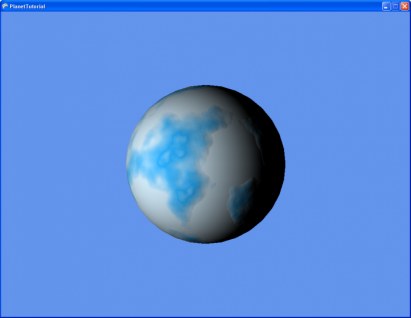
Well now you have two types of planet to play with.
In the next page we will add a really important one. Gas giants.
In the next page we will add a really important one. Gas giants.

| part3.zip |
